 Pinnet
A small menu-bar app for Mac
Keep your
tasks close.
Manage tasks in Apple Notes and Reminders from your menu bar. Add a task, check it off, and get back to work.
macOS 26 or later. No Pinnet account needed.






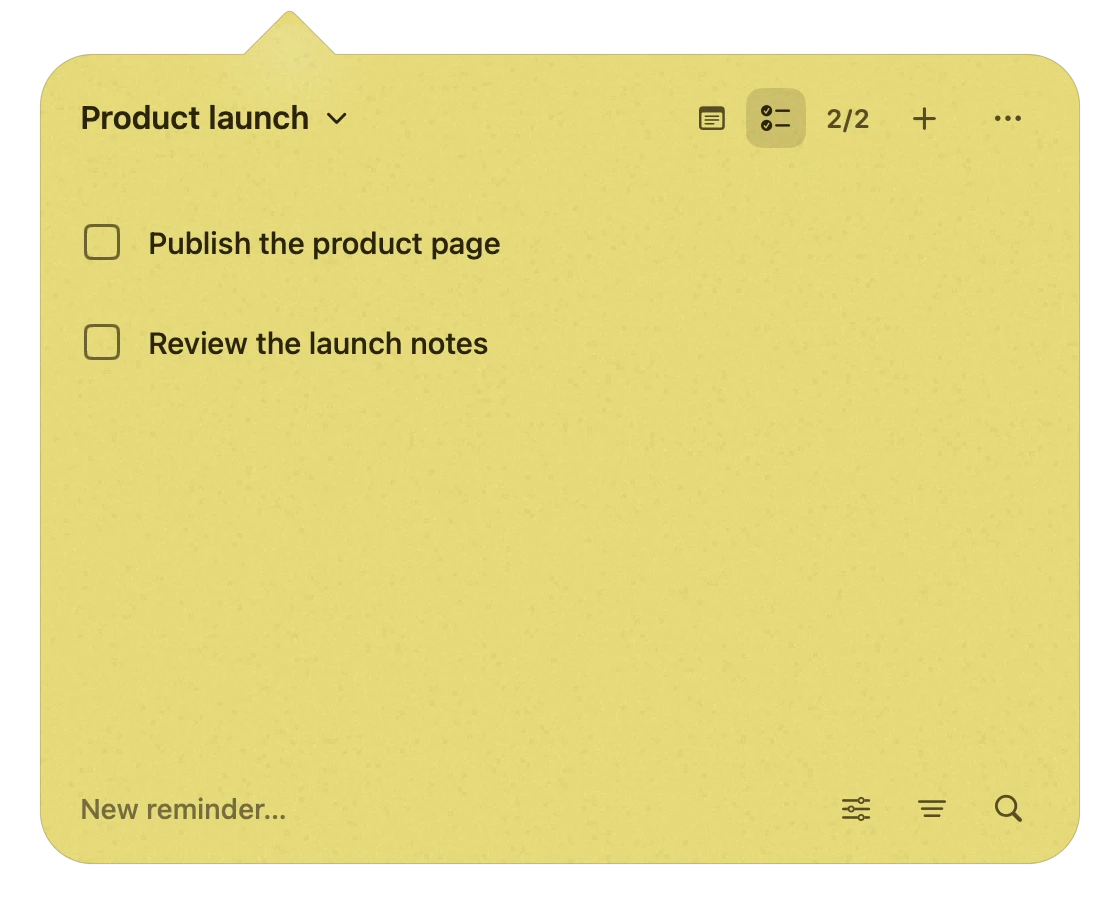
Press Command + N and type a task. Press Return to add it. Select the task checkbox. Press Space to mark it done.
⌥TOpen your task lists.
Your lists already
have a home.
Access your existing Notes and Reminders lists without opening another window.

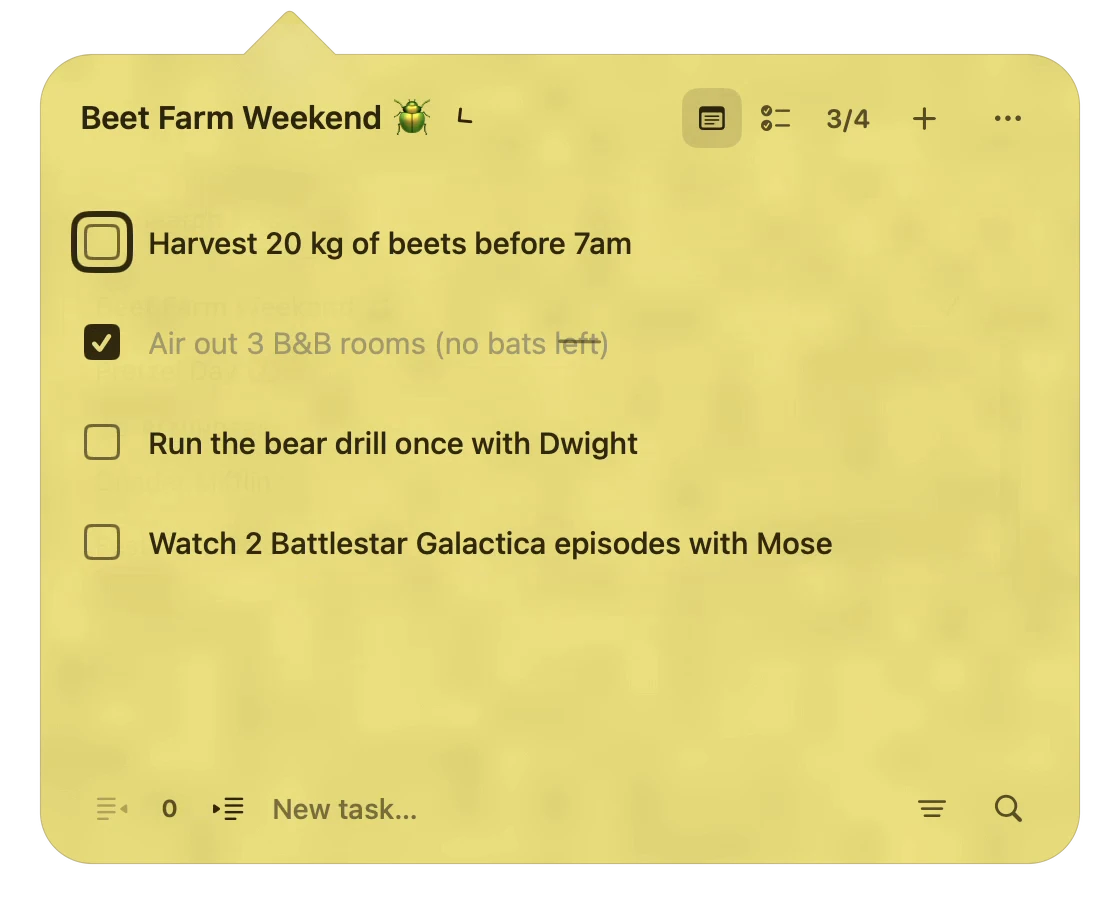
Open the list picker to see both sources. Switch from your Reminders list to a Notes task list.
Apple Notes
Add, edit, and check off tasks in text-based task lists in Apple Notes. Use [ ] for a task and [x] when it is complete.
Apple Reminders
Manage due dates and priorities and recurring reminders in your existing lists.
Find it.
Finish it.
Search for a task, mark it complete, or filter your list to show unfinished or completed tasks.

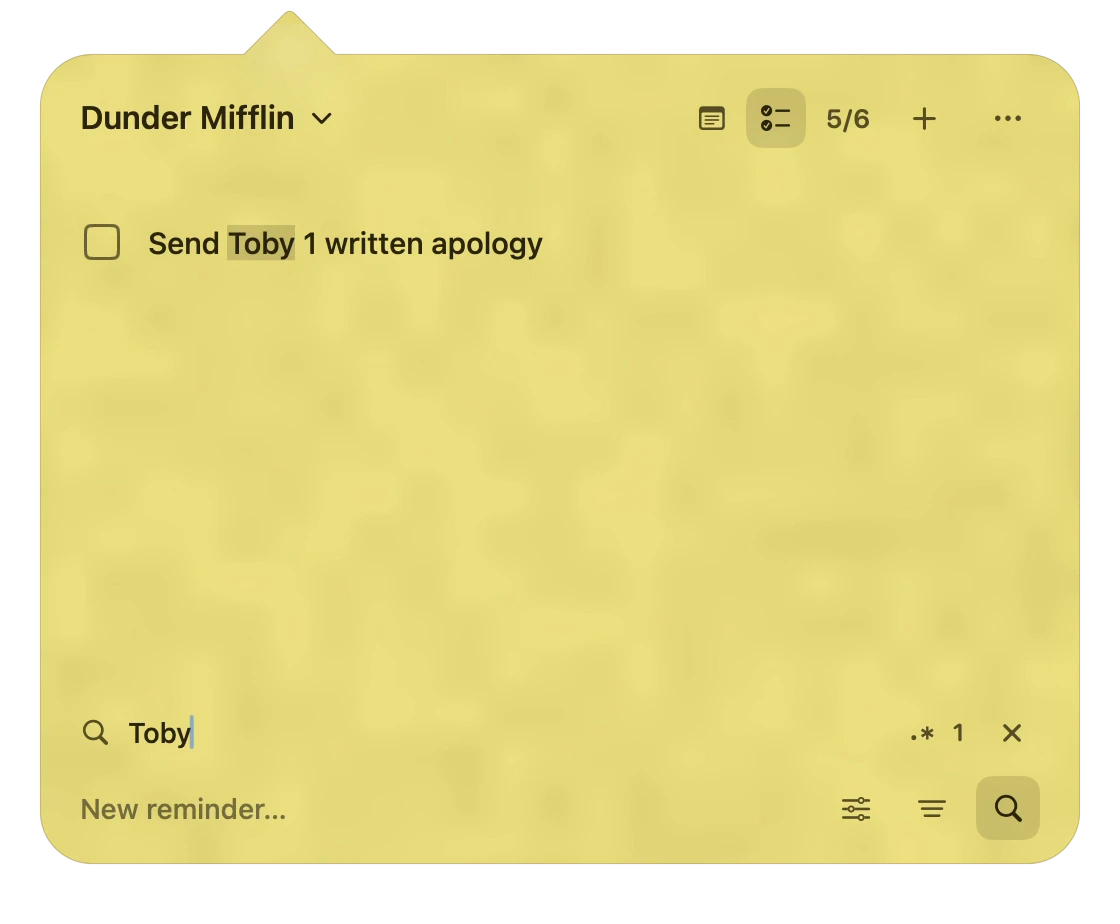
Search for a task by name. Mark the matching task done. Close search and show open tasks. Show completed tasks.

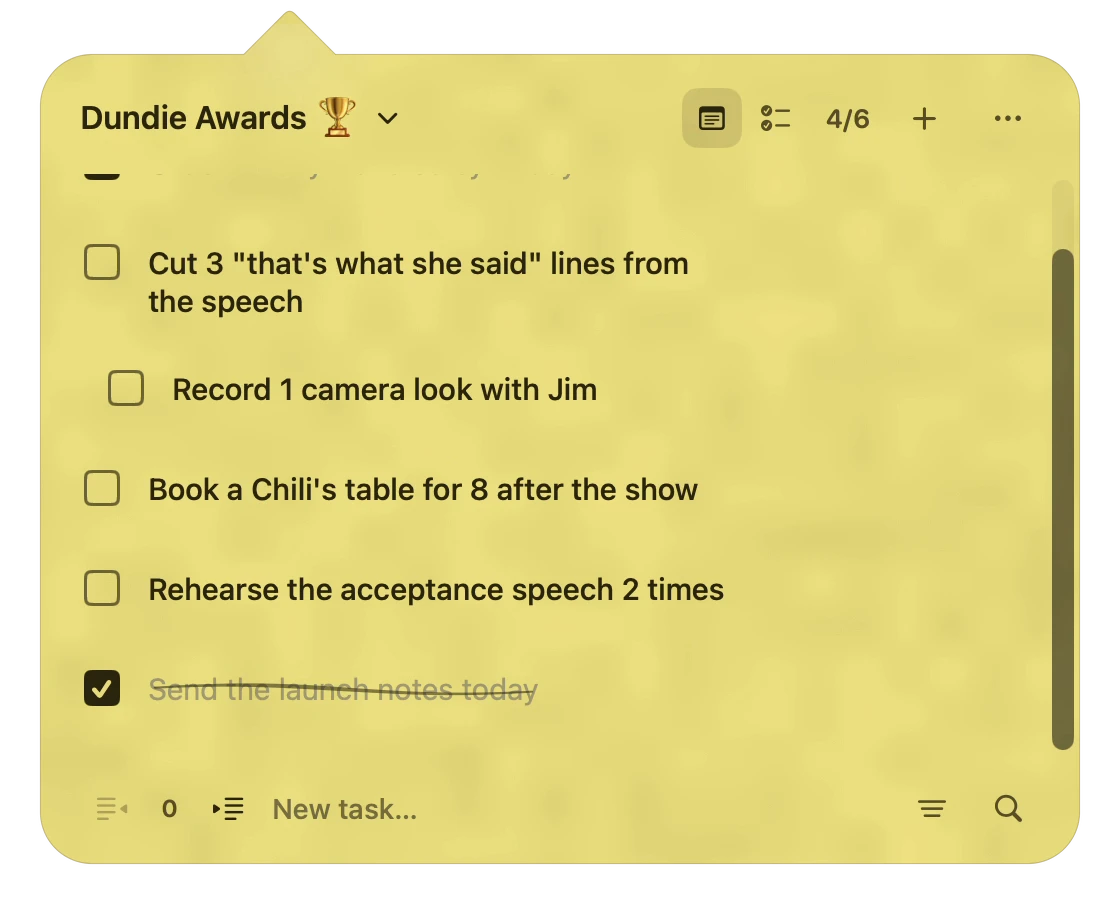
Open a task title for editing. Change the text and save it. Press Command + Z to undo the edit.
Changed your mind?
Press ⌘ Z to undo your last edit in a Notes task list.
A little paper.
A little personality.
Give each list a color. Choose a paper texture for the panel and make Pinnet feel like your own.

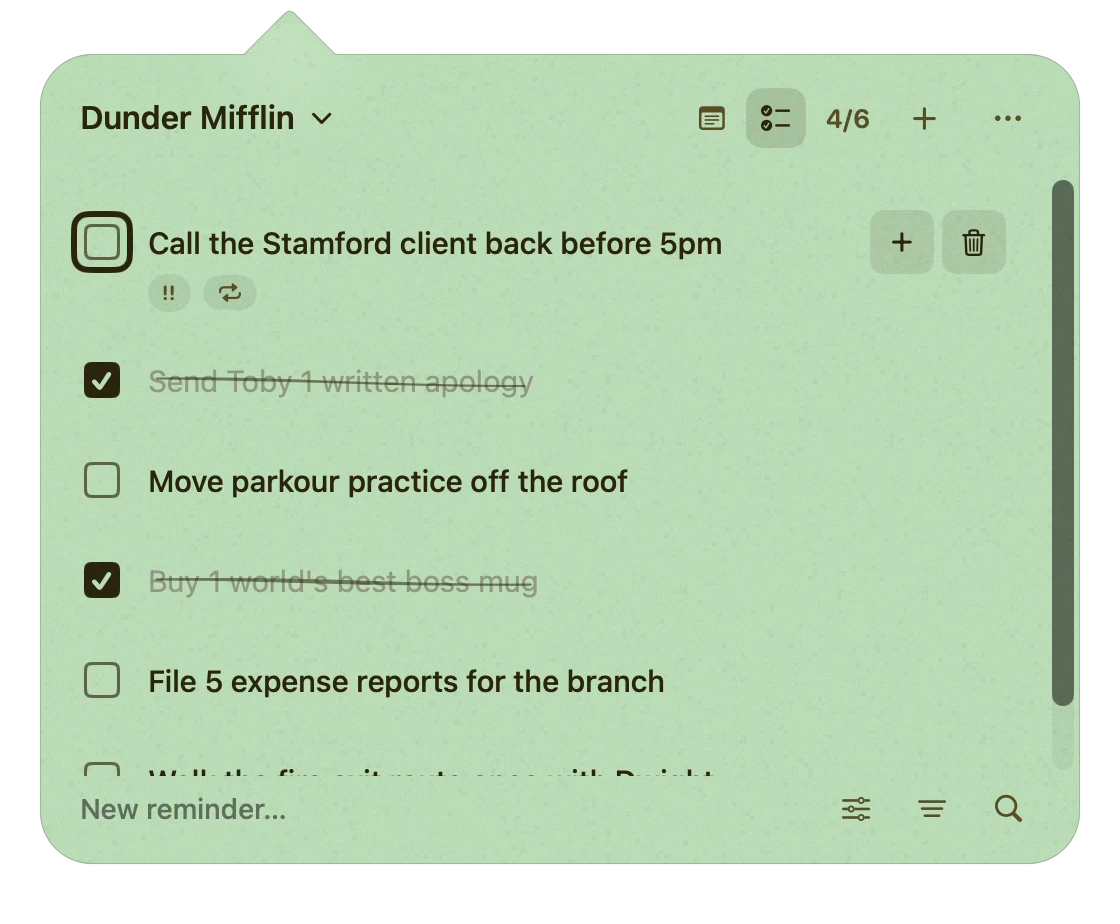
Open the app menu. Choose blue paper and the Linen texture. Choose green paper and the Speckled texture. Close the menu to see the result.
Small panel.
Room for the details.
Give a reminder a due date and priority, or set it to repeat. Keep the details with the task.

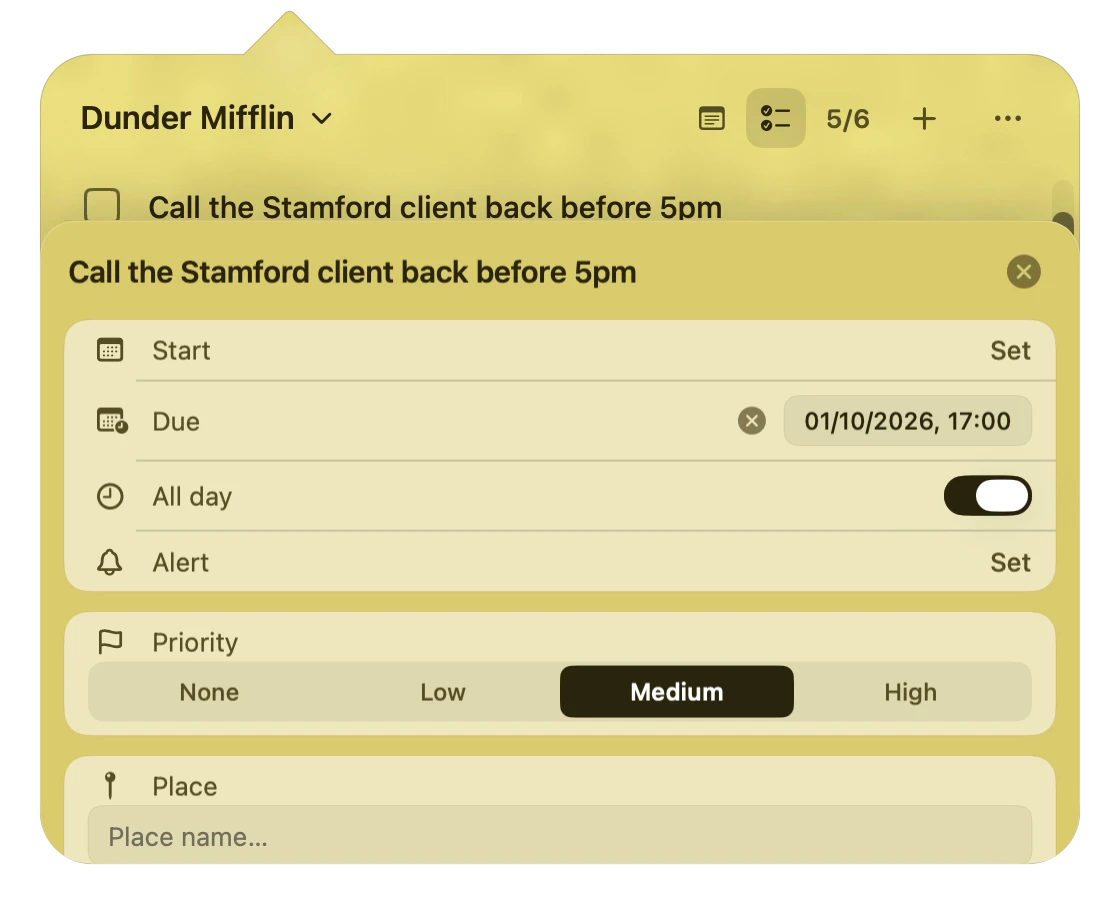
Open reminder details. Turn on All day and choose Medium priority. Scroll to Repeat. Select Weekly.
Demos use sample lists. Videos play as you scroll and pause when they leave the screen.
Good to know.
Do I need to move my lists?
No. Pinnet saves changes to your existing Notes and Reminders lists. In Notes, tasks must use text markers: [ ] for an unfinished task and [x] for a completed task. Your existing account and sync settings still apply.
Can I use both Notes and Reminders?
Yes. Connect one or both apps, then switch between their lists in Pinnet. Notes tasks use text markers and can be indented. Reminders supports due dates, priorities, and recurring tasks. Pinnet does not support the built-in checklist format in Apple Notes.
What access does Pinnet need?
Pinnet needs permission to read and update tasks in the apps you connect. macOS asks for this permission when you connect Notes or Reminders. You can change these permissions in System Settings. You do not need a Pinnet account.
Which Macs are supported?
Pinnet requires macOS 26 Tahoe or later. The app includes Apple Silicon and Intel versions.
When can I download it?
The first public release is being prepared and will be free at launch. A download link will appear on this page when the release is ready.
Pinnet for Mac.
Keep your existing lists close. Pinnet will be free at launch.
Download coming soonFree at launch · macOS 26+ · Apple Silicon + Intel